How to Choose the Right Monitor Arm for Your Desk Setup
A monitor arm is one of those upgrades that feels minor until you install it — and then you wonder how you ever worked with a stand. The screen floats, the desk underneath is suddenly usable again, and neck strain from a badly positioned display disappears. But picking the wrong arm is frustrating in the other direction: a mount that cannot hold your monitor's weight sags, and one that does not fit your desk edge goes straight back in the box.
This guide walks through the five decisions that actually matter when choosing a monitor arm, so you can order once and install with confidence.
1. Start With Weight Capacity, Not Style
Every monitor arm has a maximum weight rating per arm, and it is the first number to check. A typical 27-inch office monitor weighs 8 to 12 pounds. Ultrawide 34-inch screens run 15 to 25 pounds. Heavier panels exceed what a budget single arm can hold, and the symptom is always the same: the screen slowly drifts down from the height you set.
Our monitor arms support screens from 17 up to 32 inches, with gas spring models rated for panels up to 19.8 pounds. If you are mounting an ultrawide, check the arm's rated capacity against your monitor's actual weight — the spec sheet or a kitchen scale settles it in a minute.
2. Confirm the VESA Pattern
Nearly every modern monitor uses a 75x75mm or 100x100mm VESA mount — four threaded holes on the back panel. Measure the spacing or check your monitor's manual before buying anything. Most arms ship with plates that cover both patterns, but a few older or ultra-slim displays need an adapter.
If your monitor has no VESA holes at all, you are not stuck. A universal VESA adapter kit bolts to the monitor's original stand attachment point and gives you a standard mounting interface.
3. Match the Mount to Your Desk
Monitor arms attach three ways, and your desk decides which one works:
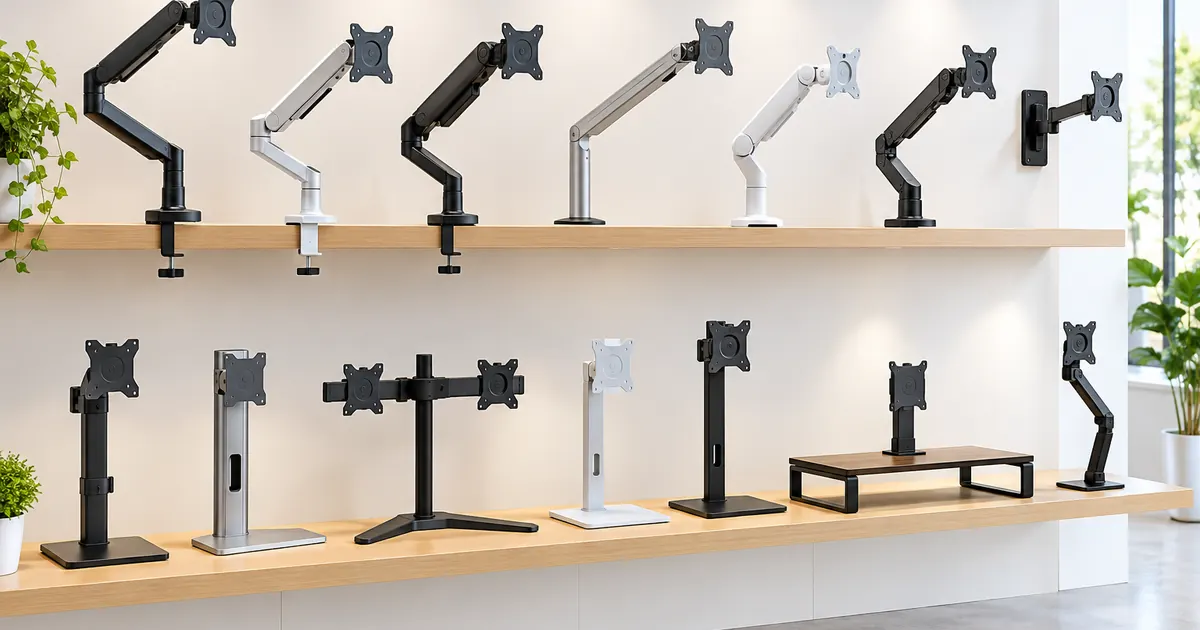
- Clamp mount — grips the desk edge. Works on most desks up to about 2 inches thick, including typical 1-inch hollow-core tops. The fastest option and the one most people want. See our clamp mount monitor arm.
- Grommet mount — drops through an existing desk cable hole. Ideal if your desk has a grommet opening or you want the mount dead-center. Our grommet mount arm is built for this.
- Wall mount — bypasses the desk entirely. Best for shallow desks, kiosks, and medical or industrial stations. The adjustable wall mount arm handles 17–32 inch screens.
One caution for standing desks: clamp arms attach to the desktop, not the frame, so confirm your desktop thickness and that the clamp clears any crossbars underneath.
4. Gas Spring or Mechanical Spring?
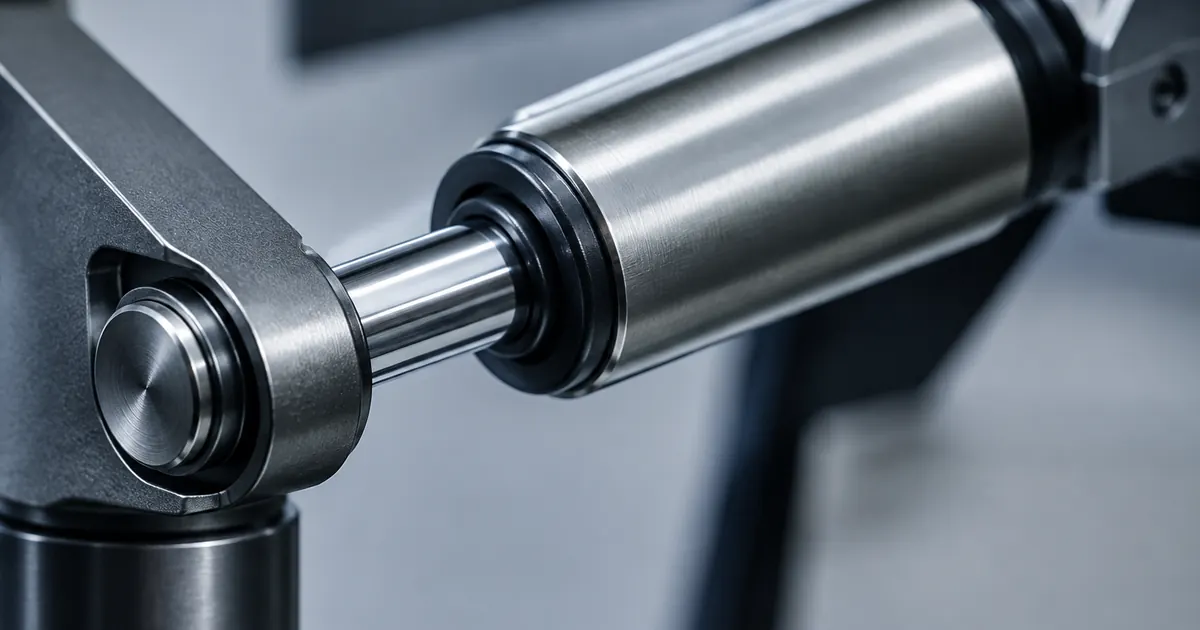
Budget arms use a mechanical spring — you set the tension once with a hex key, and adjustment takes two hands. Gas spring arms use a pressurized cylinder that counterbalances the monitor continuously, so one finger moves the screen up, down, in, and out, and it stays exactly where you leave it.
If you adjust your screen daily — presentations, standing desk sessions, sharing the screen with a colleague — the gas spring difference is worth it. If you will set the height once and never touch it again, a mechanical arm does the job for less. Our guide to gas spring vs. mechanical arms compares the two in detail.
5. One Screen or Several?
If you work with two or three displays, a dedicated multi-monitor stand beats lining up separate arms: one base, fewer clamps, cleaner cables. Browse our dual, triple, and six monitor stands for frames that hold entire arrays with independent adjustment per screen.
Quick Decision Checklist
- Monitor weight within the arm's rating? ✓
- VESA pattern 75x75 or 100x100 (or adapter in hand)? ✓
- Mount type matches your desk thickness and cable hole? ✓
- Gas spring if you adjust often, mechanical if you set-and-forget? ✓
- Multi-screen array planned? Choose a multi-monitor stand instead. ✓
Common Mistakes (and Easy Wins)
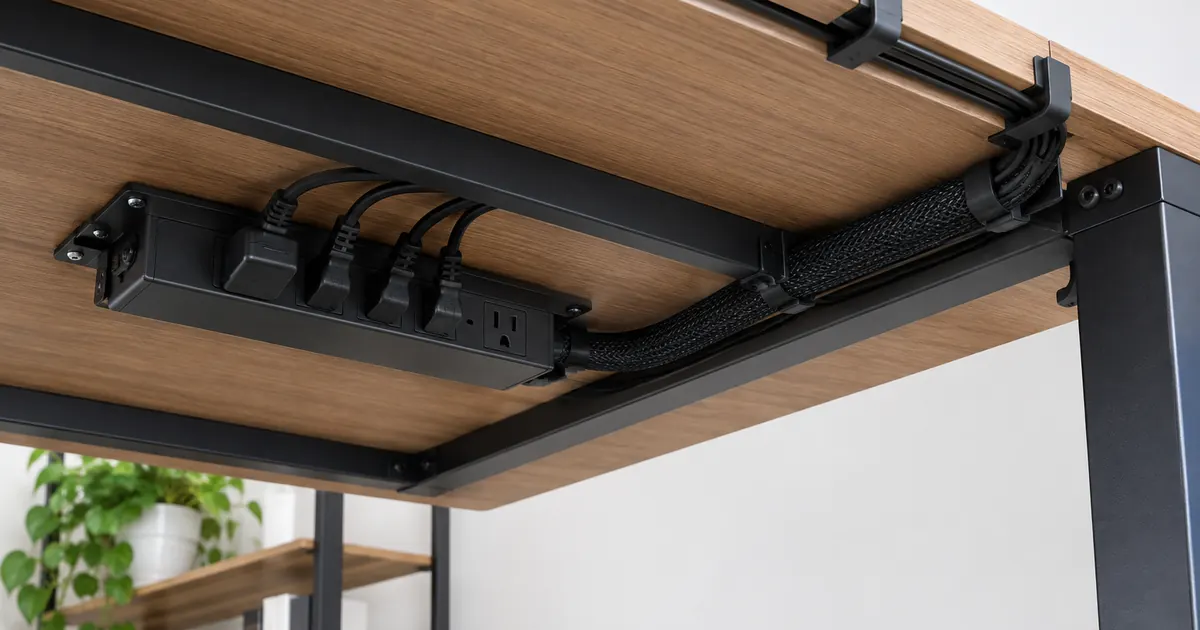
Most monitor arm purchases go wrong in one of four ways. First, buying for screen size instead of weight — a "32 inch" rating means nothing if your 32-inch panel is a 22-pound ultrawide. Second, ignoring desk construction: hollow-core tops need the clamp positioned over a leg or frame member, or the whole arm rocks. Third, skipping the tension adjustment — every gas spring arm ships detuned for safety, and ten seconds with the adjustment dial is the difference between "floats like magic" and "drifts down by lunch." Fourth, burying the cable route: if the arm has a cable channel, use it on day one, because retrofitting cable clips after installation is the job everyone postpones forever.
The easy win on the other side: mount the arm before the monitor goes on. Clamping an empty arm takes two minutes and zero contortion; doing it around a hanging 15-pound screen takes twenty minutes and at least one bruise.
Answer those five and the choice makes itself. If you are still unsure, our team answers fit questions at support — send us your monitor model and desk type and we will point you to the right arm.