Gas Spring vs. Mechanical Spring Monitor Arms: Which Is Better?
Scroll through monitor arm listings and you will see the same phrase everywhere: "gas spring." It sounds like marketing, but it names a real mechanical difference — and it is the single biggest factor in how an arm feels to use day to day. Here is an honest comparison of the two mechanisms, with no hand-waving.
How Each Mechanism Works
A mechanical spring arm uses a coiled steel spring inside the arm's joints. You pre-load the spring with a tension screw sized to your monitor's weight. The spring pushes against gravity; the screw sets how much push. Adjust the screen and you feel the spring's resistance through the whole movement.
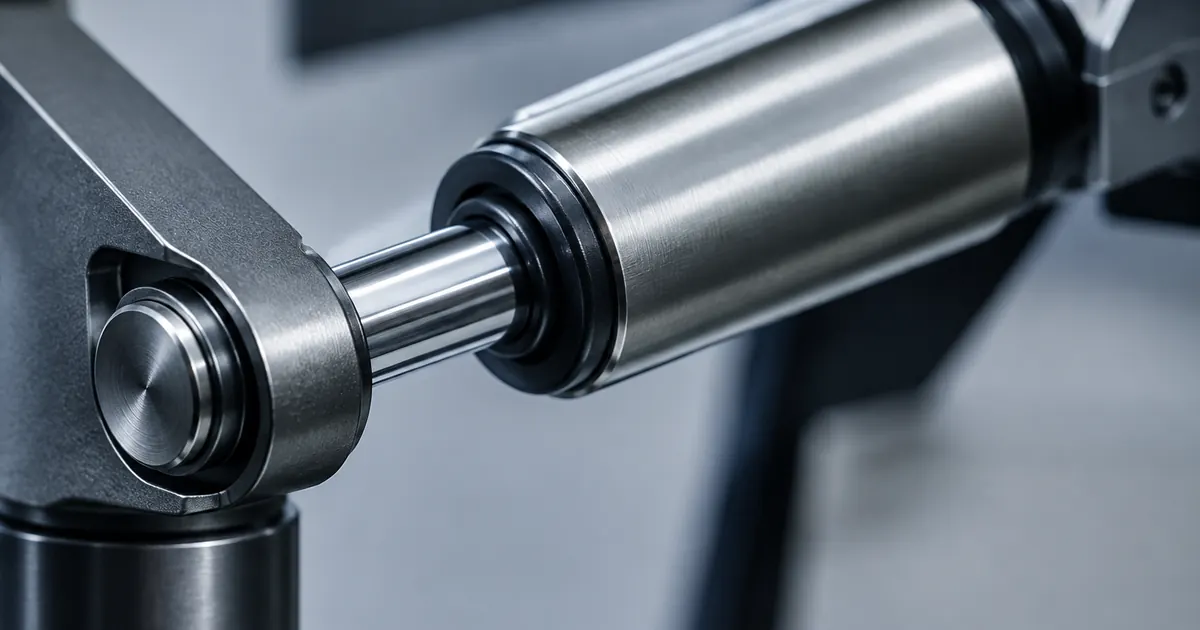
A gas spring arm uses a sealed pneumatic cylinder — the same principle as a car trunk lid or an office chair. The cylinder's internal pressure counterbalances the monitor's weight continuously across its entire travel. Move the screen and it glides; let go and it stops, instantly, at the new height.
Feel and Daily Use
This is where the difference is impossible to miss. A gas spring arm moves with one finger and holds position with zero drift. That matters more than it sounds: if you lower the screen to write, raise it to stand, or turn a monitor to show a teammate something, a gas spring arm makes those micro-adjustments frictionless. You will actually make them, which is the whole ergonomic point.
A mechanical arm is perfectly usable — but every adjustment is a two-handed job of loosening, repositioning, and re-tightening. In practice, most people set a mechanical arm once and leave it. That is fine if your setup is static. It is a real limitation if you alternate sitting and standing, because the correct screen height changes between the two postures.
Weight Capacity and Precision
Mechanical springs can be rated for very heavy loads, and high-end mechanical arms still out-lift most gas springs on raw capacity. Gas spring arms have a weight window: too light a monitor and the arm wants to rise, too heavy and it sinks. Quality gas spring arms include a tension adjustment dial to tune the cylinder to your panel — our gas spring monitor arm covers 17–32 inch screens up to 19.8 pounds with that adjustment built in.
Durability
A well-made mechanical spring is nearly immortal — a coil of steel has little to fail. Gas spring cylinders are sealed systems; the industry-standard expectation is 20,000 to 30,000 adjustment cycles, which is years of daily use. Cheap no-name gas cylinders can lose pressure early, which is why we only stock arms with tested cylinders and back them with a real warranty.
Price
Mechanical arms start around $18–40. Gas spring arms run roughly $50–140 depending on capacity and finish. For a screen you adjust weekly or less, the mechanical arm is the rational buy — see the adjustable monitor stands and risers for the simplest set-and-forget option. For a screen you move daily, the gas spring premium pays for itself within the first week.
The Verdict
- Buy gas spring if you use a standing desk, share your screen, present often, or simply want the nicest daily experience. Start with our gas spring monitor arms.
- Buy mechanical if the monitor will be positioned once and the budget is fixed.
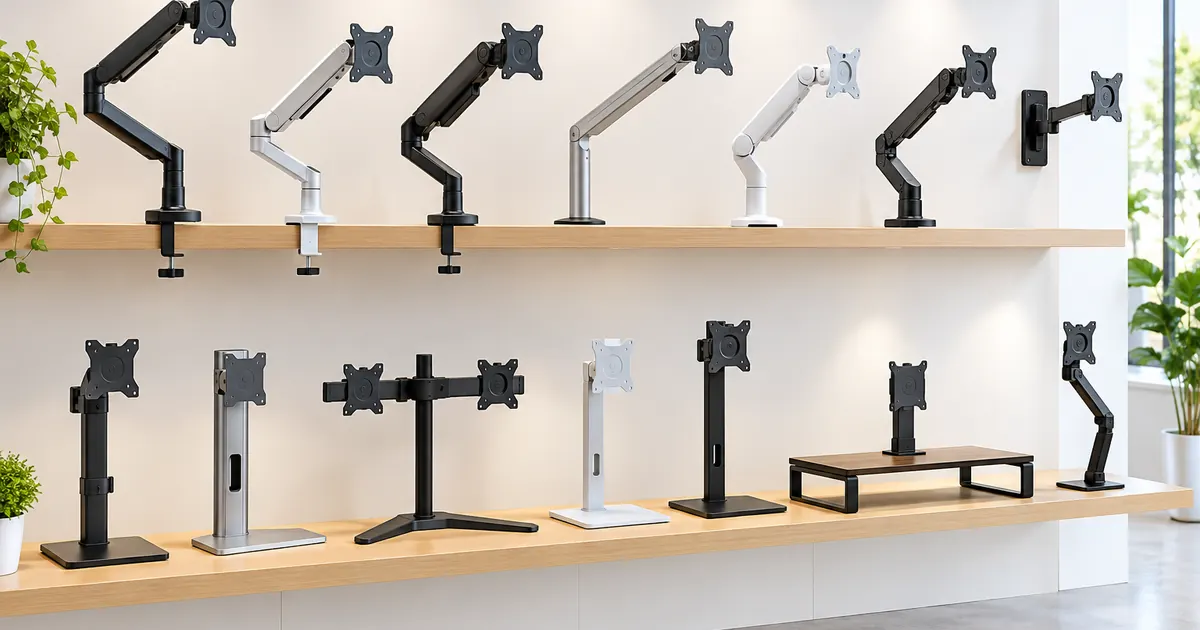
- Buying for multiple screens? Multi-monitor stands use either mechanism per arm — browse the multi-monitor collection to compare.
Installation and Setup: What to Expect
Both mechanisms install the same way — clamp or grommet the base, bolt the VESA plate, hang the screen — but the setup time differs. A mechanical arm needs its spring tensioned to the monitor's weight with the included hex key, a trial-and-error minute or two. A gas spring arm ships with the cylinder pre-set to a mid-range load; you fine-tune the dial after the monitor is on, one click at a time until the screen floats. Total setup for either is 15–30 minutes, and the single best practice is identical: install the arm empty, then hang the monitor, then tune the tension. Tuning under load is how fingers get pinched and screens get scratched.
A Note on "Weight Capacity" Marketing
Listings sometimes quote a maximum load that assumes ideal conditions — screen centered, arm retracted, tension maxed. The honest number is the one in the middle of the arm's weight window, where the mechanism is designed to spend its life. If your monitor sits at 90% of an arm's rated capacity, buy the next size up; gas spring cylinders and mechanical springs both live longest when they are not working at their ceiling every day.
Whichever you choose, both beat the plastic stand that came in the box. The question is only how often you plan to move the screen — and how much you want to enjoy doing it.