Mounting Ultrawide and Heavy Monitors Without the Sag
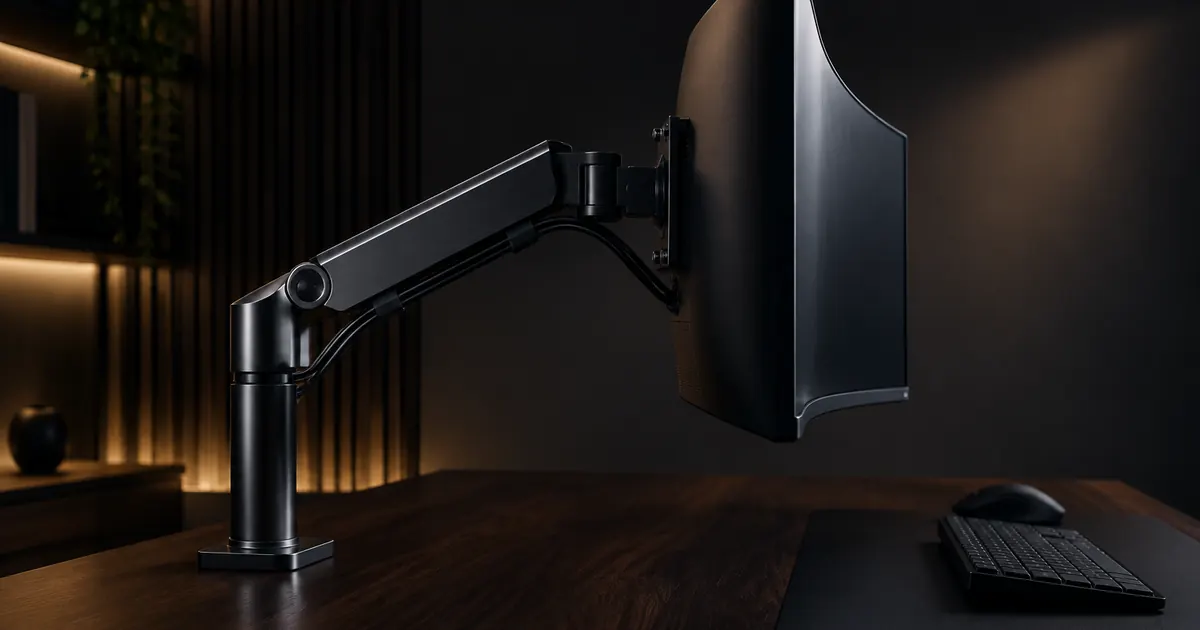
Nothing announces a mismatched monitor arm like the slow sag: you set a 34-inch ultrawide at perfect eye height, and over the next week it drifts down an inch at a time until you are looking at the top bezel. The screen is not haunted — the arm is under-rated, mis-tensioned, or clamped to something that flexes. All three are fixable, and this guide covers how.
Know Your Numbers First
Two specs decide everything: the monitor's actual weight and its VESA pattern. Ultrawide 34-inch panels typically weigh 15 to 25 pounds; some business ultrawides with built-in USB hubs push higher. Find the number on the manufacturer's spec sheet — do not guess, because "looks sturdy" is not a unit.
Then check the arm's rated capacity per arm. An arm rated to 19.8 pounds — like our gas spring arm for 17–32 inch screens — is correct for most 27-inch panels and many ultrawides, but a 25-pound ultrawide needs a heavier-rated mount. Matching the number is the entire secret.
Why Arms Sag — and the Fix for Each Cause
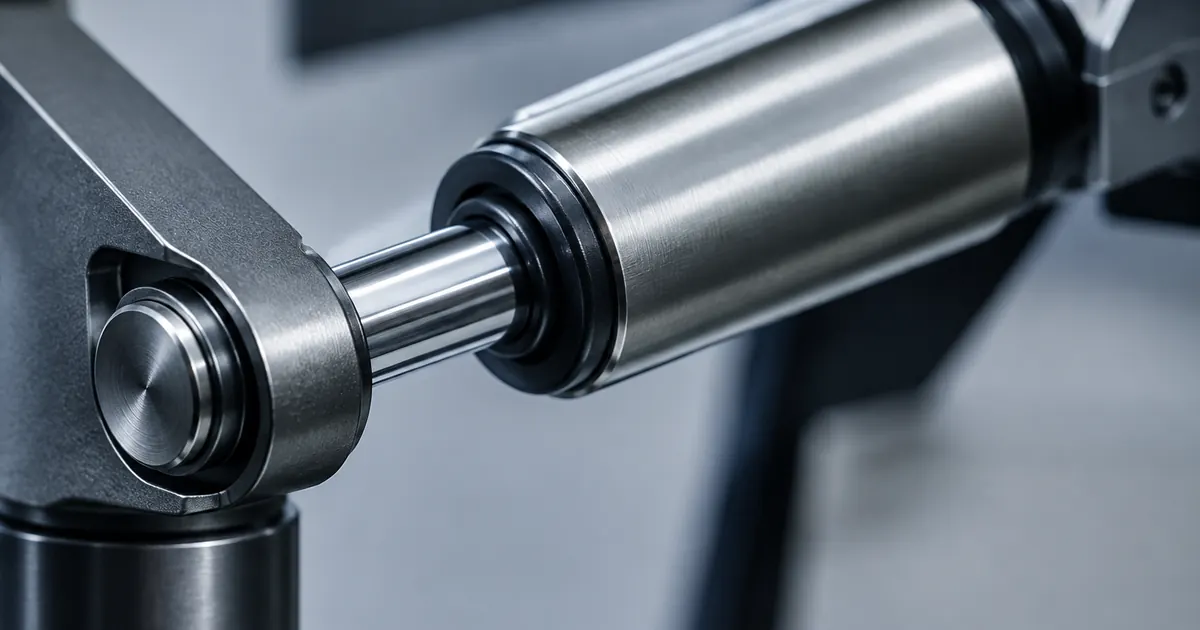
Under-rated spring tension. A gas spring cylinder is tuned for a weight window. If your monitor sits at the top of the arm's range, the arm will hold — but only after you adjust the tension dial to match the load. Most sag complaints are simply untensioned arms: turn the tension adjuster (usually a dial or hex fitting near the arm joint) a few degrees stiffer, test, repeat until the screen stays put at any height.
Desk flex. A clamp is only as solid as the surface it grips. Hollow-core and thin desktops can bow under a heavy overhanging load, and the whole arm rocks. Fixes, in order of effectiveness: move the clamp over a leg or frame member, add a backing plate under the desktop, or switch to a grommet-mounted arm that distributes the load through the desk's cable hole instead of its edge.
Mount point geometry. The further the screen sits from the clamp, the more torque the load applies. Ultrawides are wide, which multiplies the effect when you angle the screen. Keep the arm's reach as short as your setup allows, and keep heavy screens close to the post.
Ultrawide-Specific Checks
- VESA center. Some ultrawides mount off-center. Confirm the VESA plate aligns with the arm's center of travel, or the screen will sit lopsided even when tensioned correctly.
- Width clearance. A 34-inch ultrawide on a full-motion arm needs swing room. Check that full rotation will not hit walls, shelves, or a second monitor.
- Adapter plates. Some ultrawides use proprietary brackets. A universal VESA adapter kit bridges most of them to standard 75x75 or 100x100 mounting.
When One Arm Is the Wrong Answer
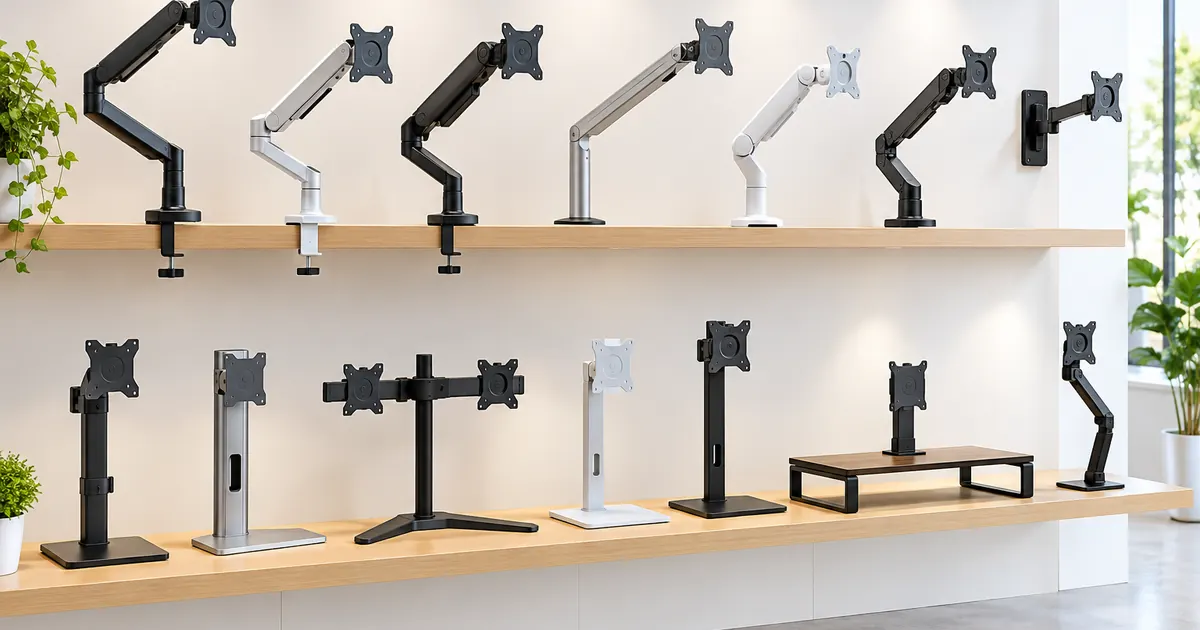
A 25-pound-plus ultrawide, or any screen above 32 inches, is where single arms hit their ceiling. The right tool is a stand or mount designed for the load: the heavy-duty steel monitor arm for large single panels, or an ultrawide-specific mount with the capacity and reach the panel demands. For multi-screen ultrawide arrays, the multi-monitor stands with steel frames carry loads no clamp arm should.
The Five-Minute Pre-Flight
Wall Mounting: The Heavy-Screen Endgame
For screens above 30 pounds, or any desk that flexes, wall mounting removes the desk from the equation entirely. A wall-mounted arm bolts to a wall stud (or a masonry anchor for brick and concrete) and holds the screen off an articulated joint — the desk never feels the load, and the heaviest ultrawides sit rock solid. The trade is position permanence: the mount point is fixed, so measure twice, because moving a wall plate means patching and re-drilling. Our adjustable wall mount arm covers 17–32 inch panels with full motion on the joint, which restores most of the flexibility the wall takes away.
Tools and Hardware You Will Actually Need
Nothing exotic: a Phillips screwdriver, the hex keys that ship in the box, a stud finder for wall installs, and a second pair of hands for anything above 20 pounds. Two optional tools earn their price for frequent movers: a torque screwdriver set prevents over-tightening the VESA bolts (the classic cause of stripped threads), and a small level saves the twenty-minute "is it straight?" dance. Every arm we stock includes the mounting hardware for both VESA patterns and the clamp — you should not need a single trip to the hardware store.
Before you order: weigh the monitor, measure the VESA spacing, measure desk thickness, and confirm the arm's rating covers the weight with margin. Four numbers, five minutes, zero sags. And if the numbers do not line up, send them to us — we will tell you which mount fits before you spend a dollar.